





Game info
Fighting, Card collection
Mortal Kombat Mobile combines teams of three iconic fighters, character-card collection and touch combat. Learn how team choices, tagging and Special Attacks shape a battle.
About Mortal Kombat Mobile
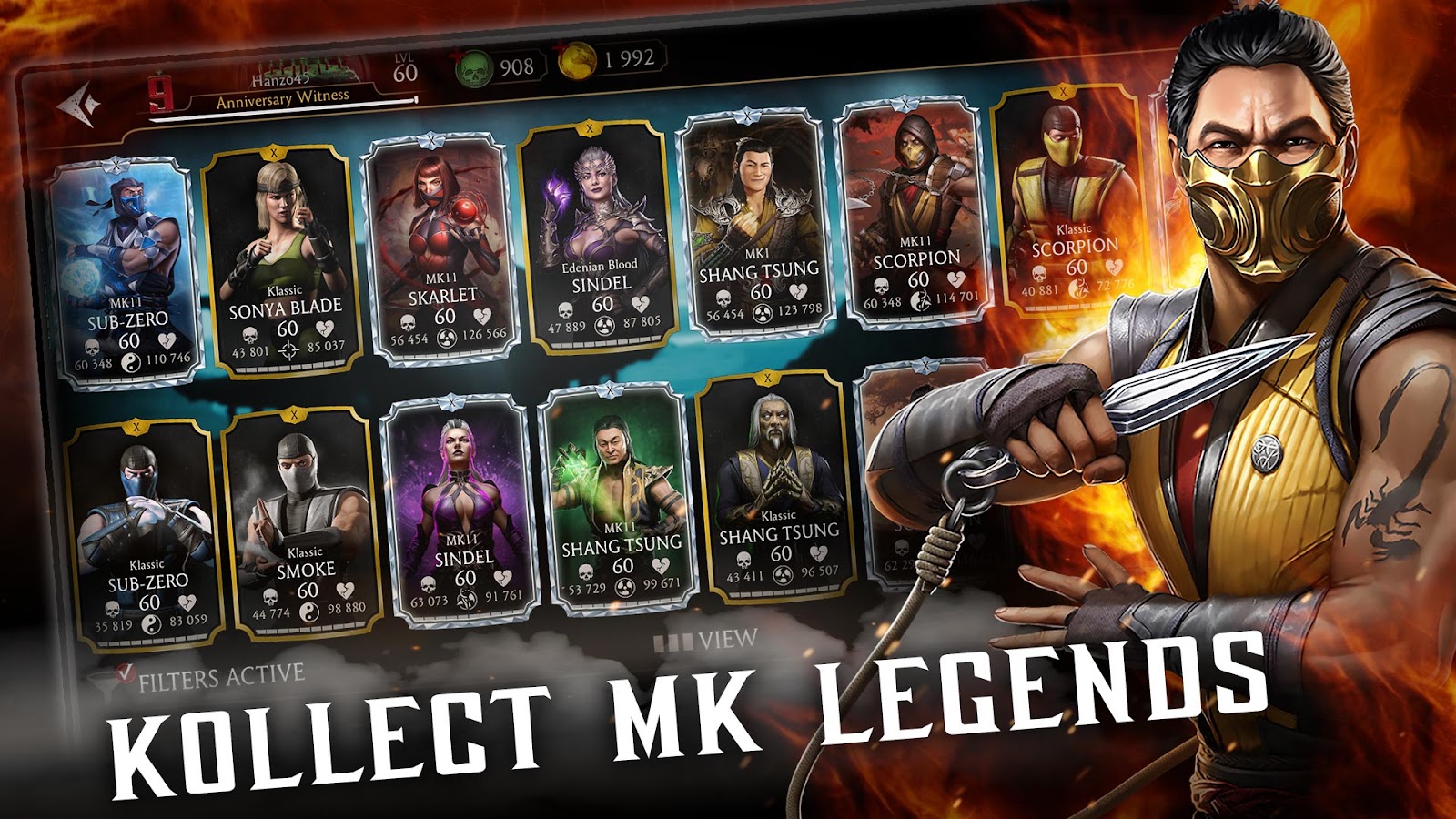
Mortal Kombat Mobile combines the series' familiar fighters with three-character teams, card collection and combat designed for a touch interface. Scorpion, Sub-Zero, Raiden and Kitana are among the recognisable names associated with the published game. The appeal is not only collecting a favourite face: each card's current abilities and the teammates beside it affect how a battle should be approached.
The mobile release has its own controls and progression. It should be learned as that game rather than through a console combination list. Use the official store links below to identify the published app and its age rating. For current systems, Warner Bros.' Mortal Kombat Mobile support is the direct information source.

Gameplay overview: a team, an active fighter and a plan
A team battle has more than one layer. The active fighter handles the immediate exchange, while the other cards create options for tagging and team support. Before beginning, inspect the characters actually selected and the role each one can perform. A familiar name alone does not explain a particular card version's passive effects or attacks.
Choose a simple opening plan you can recognise. Know which character starts, which teammate you may want to bring in and what condition would make that change useful. The plan should leave room to respond to the opponent rather than treating every battle as a fixed sequence. A different team or modifier can change which decision matters first.
How to play: learn the mobile inputs first
The official beginner information identifies tapping to attack, a touch-blocking input, teammate portraits for tagging and icons for Special Attacks. These are mobile-specific actions. Learn their current placement and response before expecting a command taken from another Mortal Kombat release to apply.
Try the basic attack and defensive input separately before combining them with a tag or special. Notice when the current action has finished and the next input can take effect. If the interface feels inconsistent, return to that simple comparison. An unfamiliar gesture is a different problem from choosing an unhelpful moment for an action that works reliably.
Controls and the visible combat state
- Basic attacks: use the tap interaction described by the mobile game's tutorial.
- Defence: learn the current blocking input and the conditions that can affect it.
- Tagging: select the relevant teammate portrait when the game's rules allow the change.
- Special Attacks: use the displayed icon and follow the action's own prompt.
Keep the health, power and teammate information readable during the exchange. The objective is to connect the visible state with a deliberate action. Do not repeatedly press an icon without checking why it is unavailable. A condition, a current animation or a mode rule can be more relevant than input speed.
Special Attacks and power management
A Special Attack should have a purpose in the current fight. Read the character's actual ability and consider the opponent's condition before activating it. The official combat-effects reference is useful when an effect changes what a character can do. An unfamiliar icon should be understood before you plan around it.
Keep the input prompt distinct from the decision to use the attack. Practising the prompt can improve execution, but it does not establish that every available moment is a good one. Compare the state before the action with the result afterwards. That lets a familiar special become a tool you choose rather than an animation triggered whenever its button lights up.
Tagging with a reason
Changing the active fighter can serve different purposes: bringing in a useful character, responding to pressure or making use of a team interaction. Read the selected cards and the current tag conditions. A change is easier to judge when you can explain what it should improve, rather than swapping portraits continuously without observing the exchange.
Consider the incoming fighter as well as the one leaving. Which action will be useful after the tag, and what condition will that character enter? A change that removes one immediate problem can create another if the next step is not understood. A short clear tag plan is more useful than expecting all three cards to be interchangeable.
Team synergy is more than an individual card's strength
Warner Bros.' team-synergy information explains why team interactions deserve attention. Read the effects on the actual cards available to you and check which teammates they support. A stronger-looking individual may be less useful for a particular plan than a card that contributes to the rest of the team.
Start with an understandable combination before trying a complicated collection of effects. Identify the main contribution of each card, then observe a familiar battle. If the result is unclear, change one team member while keeping the others familiar. This gives the next attempt a useful comparison instead of making every team choice a completely different experiment.
Card collection, equipment and choosing an upgrade
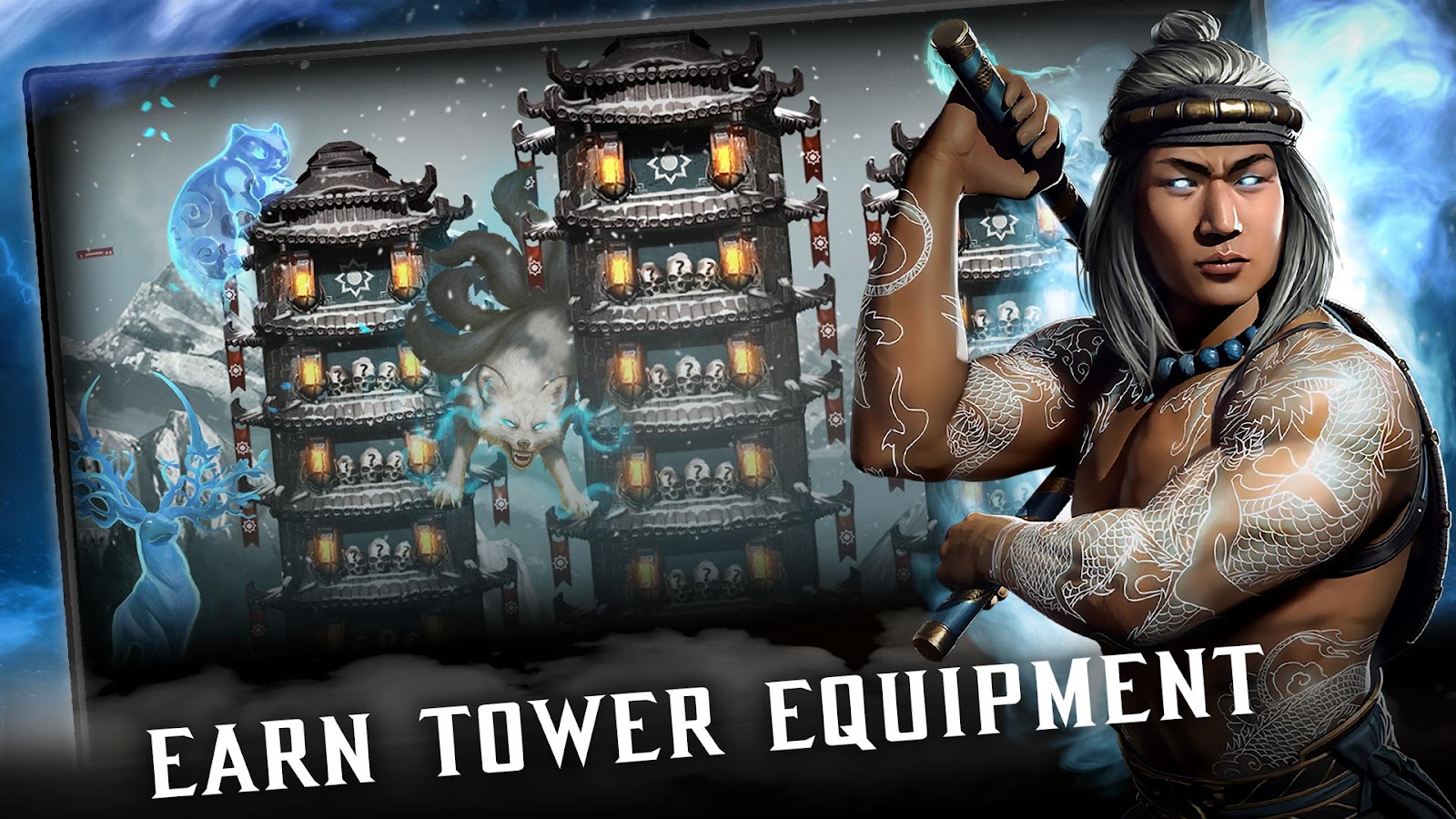
The collection is part of the mobile game's identity, but a new card should still be inspected. Different versions of a fighter can have different effects. Read its current information rather than assuming that a known character name establishes a fixed role. The same care applies to equipment and support choices: understand what changes before deciding where a resource is best used.
Connect an upgrade to a practical goal. You may want a more usable team, a stronger familiar action or progress towards a particular challenge. Avoid spending only because an option is newly available. A useful improvement is one whose effect you can observe in a situation you already understand.
Reading a mode or challenge before spending resources
The available activities and their requirements can change as the product develops. Read the current mode information and any battle conditions before selecting a team. A formation that worked in one activity may face a different constraint in another. Keep the immediate battle objective separate from a longer collection target so each decision remains understandable.
Treat temporary rewards as current information, not permanent promises. An old event list cannot establish what is available today. Use the game's own notices and official release information when planning a session around a changing activity. The enduring skills are reading the team, recognising the effect and choosing an action for a clear reason.
Practical tips for a first team
Learn a small number of cards well enough to recognise their ordinary rhythm. Observe a basic attack, defensive response, tag and special in a familiar situation before making the next battle depend on several unfamiliar systems. You do not need a perfect roster to make a useful comparison about how the current one behaves.
After an unsuccessful battle, choose one exchange to review. Was the intended action unavailable, was the input unfamiliar, or did the team choice leave no useful next step? Those are different causes. Change the relevant part on the next attempt instead of replacing the entire strategy without an explanation.
Mature content, official downloads and account information
Mortal Kombat is associated with mature content, and the official store listing supplies the relevant age information for the selected app. Review that listing and the current settings rather than judging suitability from a character picture alone. For account questions, use the game's supported sign-in and Warner Bros.' help destinations. Do not give account details to a page promising free cards or guaranteed resources.
The published stores below are the appropriate destinations for the original mobile product. A website about the game should not be mistaken for its publisher or official account support. Clear product information helps keep the focus on the enjoyable parts of the mobile game: building a team, learning its actions and understanding why the next tag or special can improve the fight.
Mortal Kombat Mobile's three-fighter teams
The recorded official mobile product is Mortal Kombat Mobile, a fighting and card-collection game built around teams of three. Familiar fighters such as Scorpion, Sub-Zero, Raiden and Kitana connect it to the wider series. The collection includes different character versions, so inspect the actual card and its abilities rather than treating a familiar name as one universal set of effects.
Team construction matters alongside the actions in a fight. Read how the chosen cards support one another and which role each serves when tagged in. A stronger-looking individual card does not automatically explain the most useful team. The goal is a group whose abilities and available resources make sense together.
Touch combat, tagging and Special Attacks
The official beginner information describes touch attacks, blocking, tagging through teammate portraits and Special Attack controls. This is a mobile-specific interface rather than a claim that every console move-list command applies. Learn the actual input of the selected release before making a fight depend on it.
Power and Special Attacks create choices about timing and character use. Read a card's current effect, prepare the relevant input and consider the state left afterwards. The wider Mortal Kombat roster gives the collection its character, but thoughtful team use makes the mobile game more than a row of familiar portraits. Use Warner Bros.' current support information for changing systems and the official store links for the published app and its age rating.
Related games
Frequently asked questions
What kind of game is Mortal Kombat Mobile?
It combines touch-based fighting with collecting character cards and choosing teams of three. The selected cards and their abilities shape the battle alongside the actions of the active fighter.
Are console Mortal Kombat move lists the mobile controls?
No. The mobile release has its own touch attacks, blocking, tagging and Special Attack interface. Use its current tutorial and official support for the correct inputs.
How do I choose a team?
Read each available card’s actual abilities and look for an understandable role or interaction. A familiar character name is not a complete explanation of a particular card version.
When is tagging useful?
Tag for a reason supported by the current battle and card effects. Consider what the incoming fighter can do next, as well as the condition of the character leaving.
What should I check before using a Special Attack?
Read the selected character’s effect, inspect the current battle state and follow the attack’s actual input prompt. Availability alone does not determine the best moment to use it.
Where can I find current Mortal Kombat Mobile help?
Use Warner Bros.’ official Mortal Kombat Games Support and the notices in the current game. Events, card effects and available systems can change after updates.
Is Mortal Kombat Mobile intended for every age?
Check the official store’s current age rating and content information. Mortal Kombat is associated with mature content; familiar character art is not a substitute for that guidance.
What is a useful first practice goal?
Learn a familiar team’s basic attack, defence, tag and special separately. Then choose one recurring exchange to improve so the next battle has a clear comparison.



Good game? Tell us.0
Share a tip, celebrate a high score, or tell us what you think. Keep it friendly.